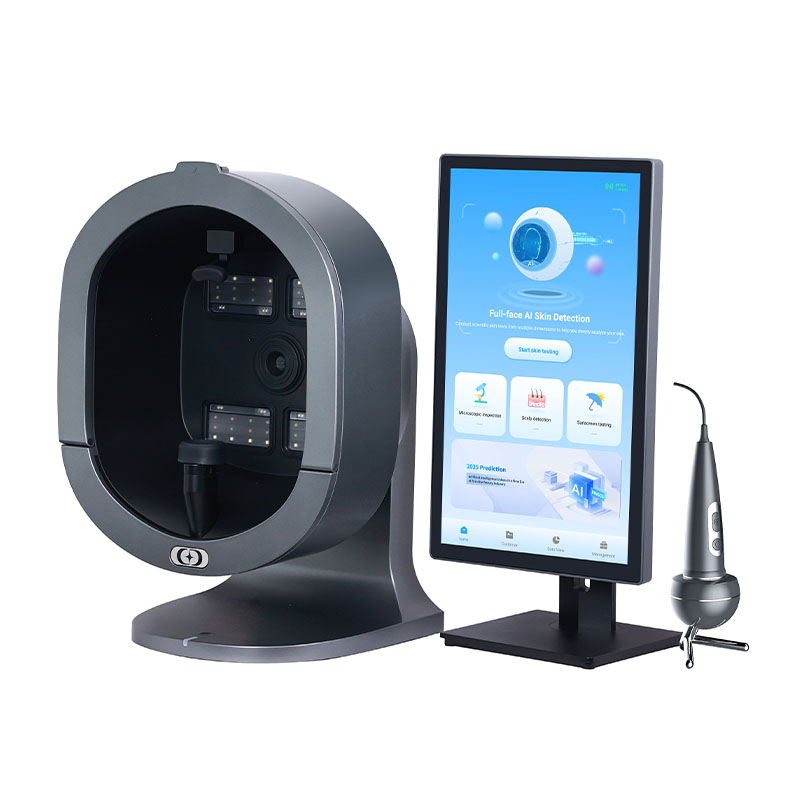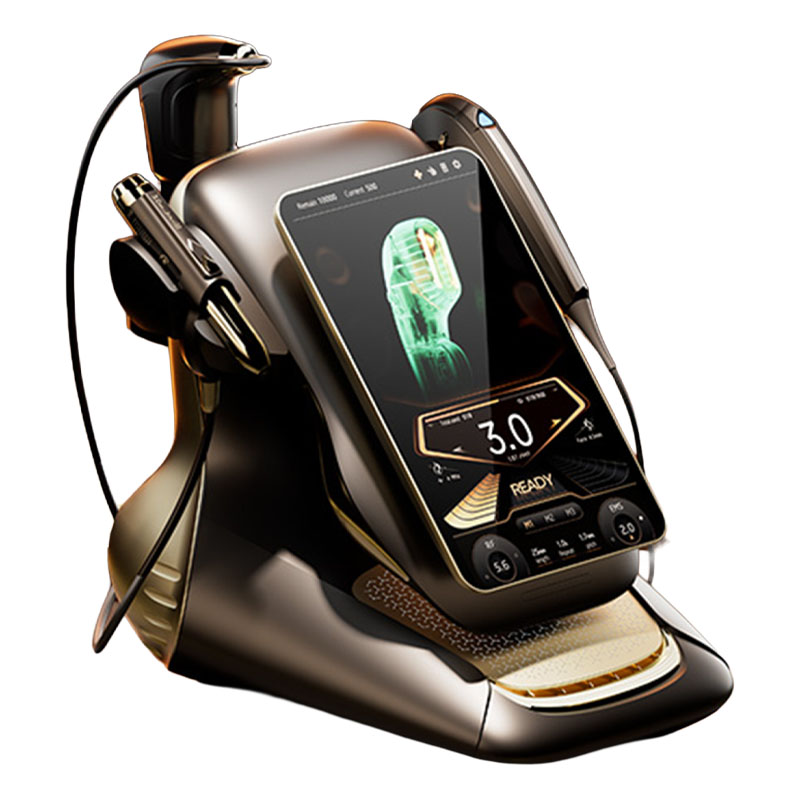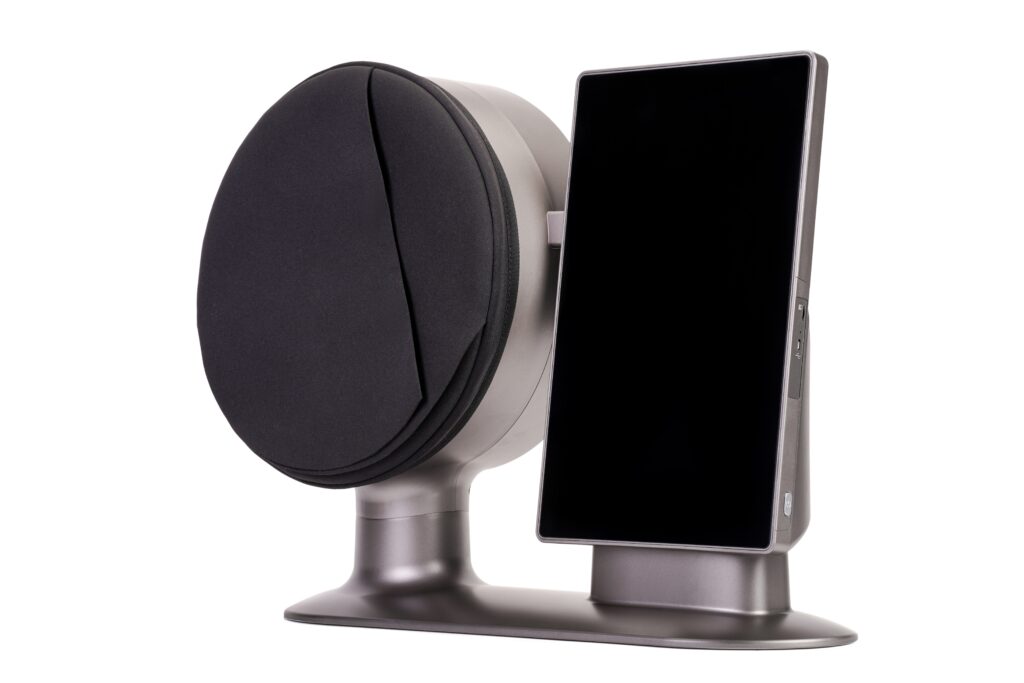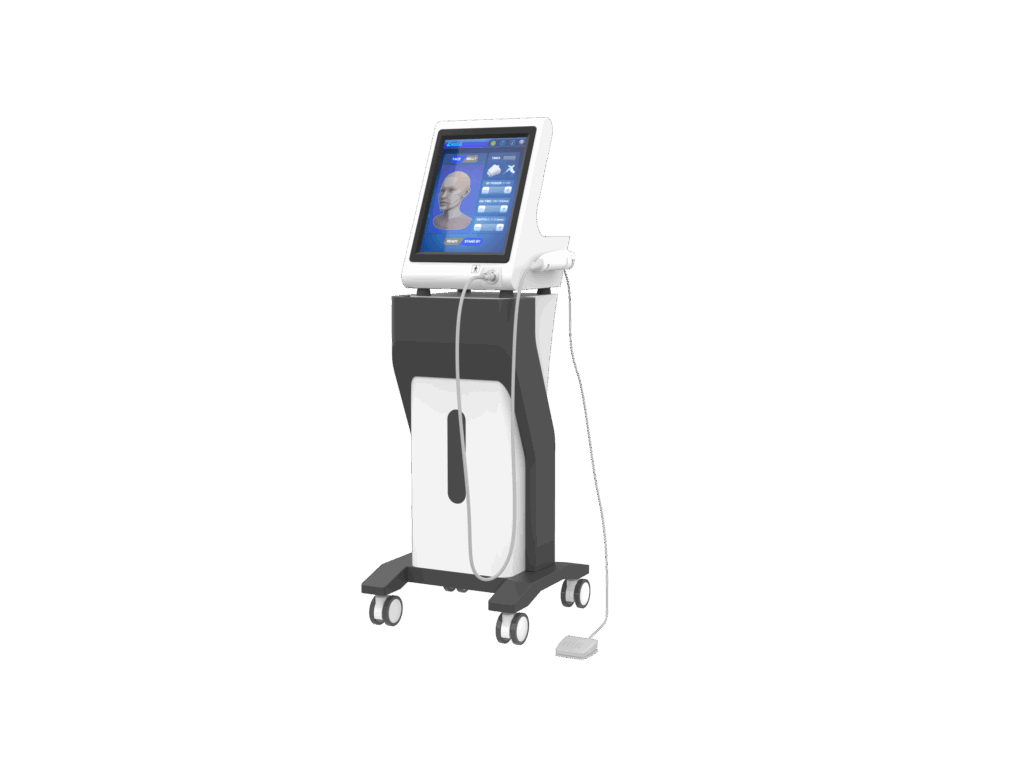
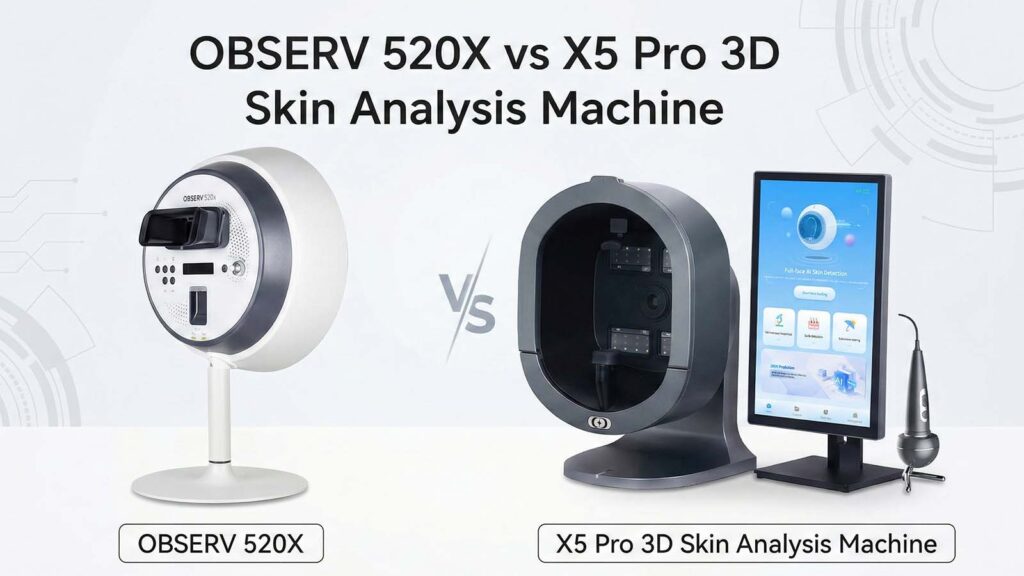
Comparing Advanced Skin Analysis Machine
Explore the key differences between two top skin analysis machines.
| Features | OBSERV 520X | X5 Pro 3D |
|---|---|---|
| Imaging Technology | 10 specialized light modes. | 9-spectrum imaging with 5D detection. |
| AI and Reporting | Clear images for easy reading. | AI-driven 3D reports and tips. |
| Workflow and Integration | Seamless integration into practice. | Cloud storage for client tracking. |
| Design and Comfort | Simple and quick setup. | Adjustable chin rest and magnetic canopy. |
| Lifestyle Tracking | No lifestyle tracking features. | Tracks lifestyle factors affecting skin. |
| Portability | Lightweight and portable. | Larger with fixed features. |
| Cloud Management | Yes, for secure data storage. | Yes, supports multi-location access. |
| User Interface | Simple and intuitive. | Touchscreen with AI guidance. |
| Maintenance | Low maintenance required. | Easy cleaning but check components. |
| Pricing | Higher price for advanced features. | More affordable option. |
You want real answers, not just numbers. If you need clear skin pictures and easy use, the OBSERV 520X is best. However, if you’re searching for an OBSERV 520X alternative device, the X5 Pro 3D is a strong contender. It uses advanced AI, provides lifestyle tips, and offers 3D reports along with advanced client tracking. Your choice depends on how much detail and tech help you want each day.
Key Takeaways
- Pick the OBSERV 520X if you want fast and clear skin pictures. It is easy to use. It has 10 light modes for a close look at skin.
- Choose the X5 Pro 3D if you like smart AI tools and tracking habits. It gives 3D reports and links skin health to your daily life.
- Both machines give sharp pictures and quick results. They work well in clinics, salons, and spas.
- Think about how you work: the OBSERV 520X is easy to carry and set up fast. The X5 Pro 3D uses cloud management for many places.
- Buying either machine helps clients trust you more. It lets you make special skincare plans using real facts.
Quick Comparison
Key Differences
When you compare the OBSERV 520X and the X5 Pro 3D, you will notice some big changes right away. Here is what makes them different:
- Imaging Technology:
The OBSERV 520X has 10 special light modes. One mode is real UV analysis. This lets you see deep into the skin. You can find hidden skin problems. The X5 Pro 3D uses 9-spectrum imaging. It also has 5D detection. This checks your skin, scalp, and even things like sleep and weight. - AI and Reporting:
The X5 Pro 3D uses AI to study your skin. It gives you 3D reports and smart tips. You get cool pictures that help you learn about your skin. The OBSERV 520X gives you very clear images. It is easy to read the results. - Workflow and Integration:
The OBSERV 520X fits into your daily work easily. You get fast results and can save them quickly. The X5 Pro 3D is good if you want to use cloud storage. It helps you track clients in many places. - Design and Comfort:
The X5 Pro 3D has a chin rest you can move. It also has a magnetic canopy for comfort. The OBSERV 520X is simple and quick to set up. You do not waste time getting ready.
Main Similarities
Both machines help you see what is happening with your skin. Here is what they both have:
| Feature | OBSERV 520X | X5 Pro 3D |
|---|---|---|
| High-Resolution Imaging | ✅ | ✅ |
| Multiple Light Modes | ✅ | ✅ |
| Cloud Data Storage | ✅ | ✅ |
| Fast Results | ✅ | ✅ |
| Professional Reports | ✅ | ✅ |
No matter which one you pick, you will get a strong tool. It makes skin checks easier and more impressive.
Imaging & Technology
Visual Clarity
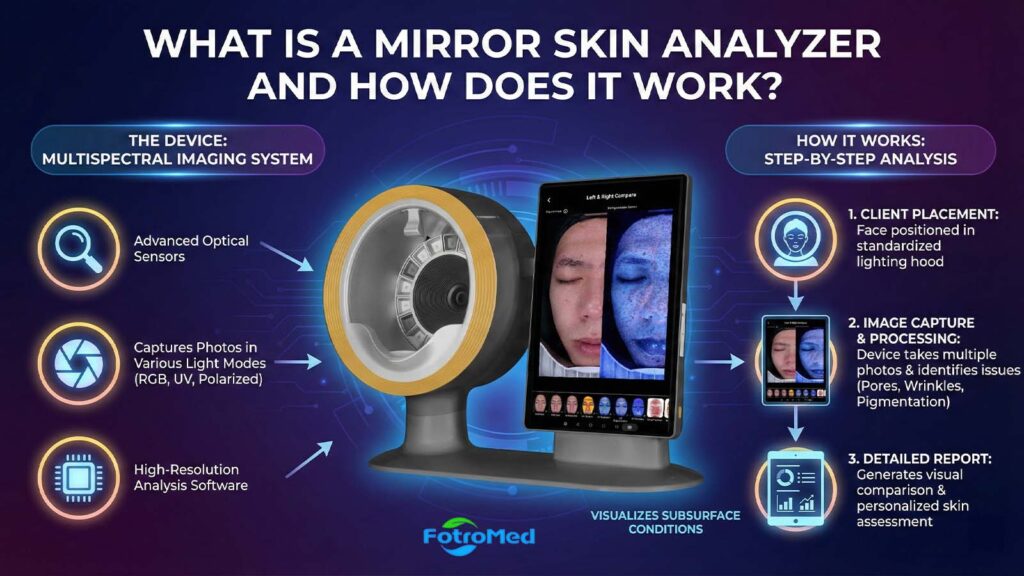
When you look at skin analysis machines, you want sharp, clear images. The OBSERV 520X stands out with its 10 light modes. Each mode shows a different side of your skin. For example, Daylight Mode lets you see your skin as it looks in natural light. True UV Mode goes deeper. It finds hidden spots, sun damage, and oil that you might miss with your eyes. Cross-Polarized light highlights redness and blood vessels. Parallel-Polarized light brings out fine lines and texture.
Here’s a quick look at some of the light modes in the OBSERV 520X:
| Light Mode | Purpose |
|---|---|
| Daylight Mode | Assesses visible tone, redness, and surface clarity. |
| True UV Mode | Detects deep pigmentation, sun damage, oil buildup, and acne-prone zones. |
| Cross-Polarized | Highlights vascular issues like rosacea and broken capillaries. |
| Parallel-Polarized Light | Enhances surface texture, focusing on fine lines and acne scarring. |
You get crisp, high-resolution images with every scan. This helps you spot problems early and explain them to your clients.
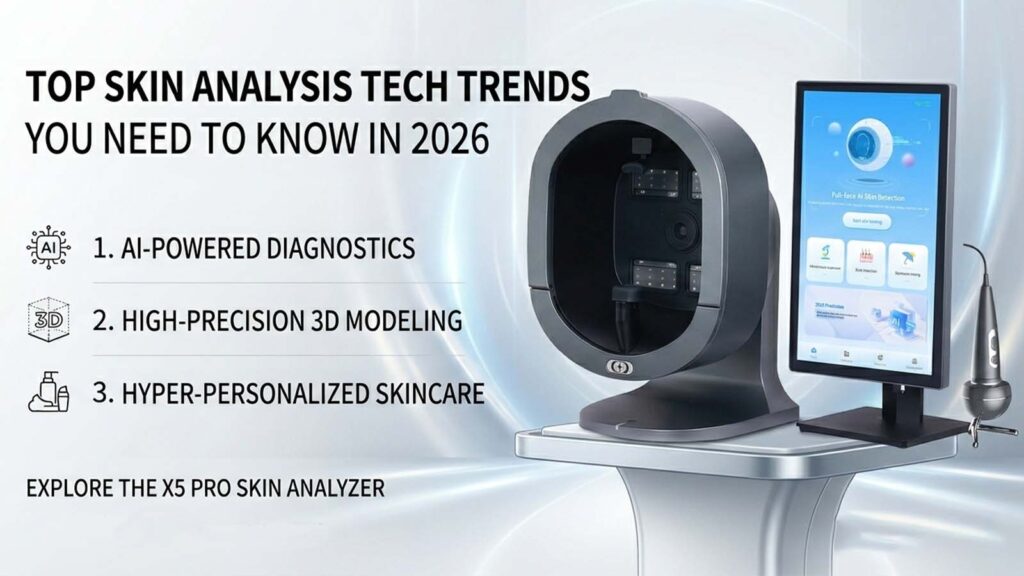
The X5 Pro 3D also delivers clear images. It uses 9-spectrum imaging. This means it shines nine different types of light on your skin. You see both the surface and what’s underneath. The 3D camera gives you a full view of the face. You can rotate and zoom in to see every detail. Both machines make it easy for you to show clients what’s really happening with their skin.
Analysis Depth
You want more than just a pretty picture. You need to know what’s happening below the surface. The OBSERV 520X uses its 10 light modes to dig deep. True UV Mode, for example, finds early signs of aging and hidden pigmentation. Cross-Polarized light shows issues in sensitive skin, like redness or broken capillaries. Parallel-Polarized light focuses on texture, so you can plan treatments for fine lines or acne scars.
A study shows that advanced skin imaging systems like the OBSERV 520X use these light modes to check for pigmentation and blood vessel issues. This helps you make better decisions for your clients.
The X5 Pro 3D takes a different approach. It uses 5D detection. This means it looks at your skin, scalp, and even connects your lifestyle habits—like sleep and weight—to your skin health. The 9-spectrum technology gives you a detailed look at the dermis layer. You can spot UV damage, deep pigmentation, and other hidden problems. The machine’s AI reviews all this data and gives you a full report. You get a complete picture, not just of the skin, but of the person’s overall wellness.
Diagnostic Tools
Both machines give you powerful tools to help your clients. The OBSERV 520X lets you switch between light modes with one touch. You can compare before-and-after images in seconds. The smart cataloging system keeps all your scans organized. You get instant results, so you can talk to your client right away.
The X5 Pro 3D brings AI into the mix. It creates 3D reports that highlight problem areas. You can show clients a simulation of their skin and explain what needs attention. The machine also tracks client data over time. If you have more than one location, you can manage everything from the cloud.
Both devices help you reveal hidden skin conditions and support your expertise. You can build trust with your clients and offer them the best care possible.
Features & Modes

Unique Functions
You want a skin analysis machine that does more than take pictures. The OBSERV 520X has ten light modes. Each mode lets you see a new layer of skin. You can find hidden spots, redness, and texture problems. You can change modes with one touch. This makes your work fast and simple.
The X5 Pro 3D is different. It uses 5D detection. You can check skin and scalp. It also connects things like sleep and weight to skin health. The machine makes 3D pictures. You can see your skin from all sides. The chin rest moves, and the magnetic canopy adds comfort for clients.
Here’s a table to help you compare:
| Unique Function | OBSERV 520X | X5 Pro 3D |
|---|---|---|
| Light Modes | 10 | 9-spectrum |
| UV Analysis | ✅ | ✅ |
| 3D Simulation | ❌ | ✅ |
| Lifestyle Tracking | ❌ | ✅ |
| Adjustable Comfort | ❌ | ✅ |
Tip: If you want fast, clear skin images, the OBSERV 520X is great. If you want lifestyle tracking, the X5 Pro 3D is better.
Usability & Workflow
User Interface
You want a machine that feels easy from the first touch. The OBSERV 520X gives you a clean, simple screen. You can switch between light modes with just one tap. The menu uses big icons and clear labels. You never feel lost or confused. If you need to show a client their results, you can pull up images in seconds.
The X5 Pro 3D also keeps things user-friendly. It uses a touchscreen with bright colors and step-by-step guides. You get AI-powered tips as you go. The software walks you through each scan. If you like extra help, this machine gives you more on-screen support.
Portability & Setup
Setting up your device should not slow you down. The OBSERV 520X is lightweight and compact. You can move it from room to room without hassle. Plug it in, and you are ready to scan. No long setup or extra parts.
The X5 Pro 3D is a bit larger. It comes with an adjustable chin rest and a magnetic canopy. These features add comfort but may take up more space. If you have a fixed spot in your clinic, this works well. If you need to move the device often, the OBSERV 520X makes life easier.
| Feature | OBSERV 520X | X5 Pro 3D |
|---|---|---|
| Lightweight | ✅ | ❌ |
| Quick Setup | ✅ | ✅ |
| Portable | ✅ | ❌ |
| Adjustable Comfort | ❌ | ✅ |
Maintenance
You want a device that stays reliable. The OBSERV 520X needs little care. You wipe the surface and update the software when needed. The cloud system keeps your data safe.
The X5 Pro 3D also offers easy cleaning. You may need to check the chin rest and canopy for dust. Software updates come through the cloud. Both machines keep things simple, so you spend less time on upkeep and more time with clients.
Note: Both devices make maintenance easy, but the OBSERV 520X is best if you want the lowest effort.
Value & Alternatives
Pricing & Support
When you think about value, you want to know what you get. The OBSERV 520X costs more than most other machines. You pay extra, but you get advanced imaging and ten light modes. It fits into your daily work with no trouble. Many clinics see it as a smart buy. They get better client talks and more trust.
The X5 Pro 3D is usually cheaper than the OBSERV 520X. This makes it a good pick if you want to save money or are just starting out. The X5 Pro 3D gives you strong support. You get help with setup, training, and any questions you have. Both machines let you use cloud storage. This keeps client data safe and lets you get it anywhere. The X5 Pro 3D’s cloud works well for many locations or if you track clients in different places.
Here’s a quick table to help you compare:
| Feature | OBSERV 520X | X5 Pro 3D |
|---|---|---|
| Price Range | $$$$$ | $$ |
| Support | Professional, ongoing | Setup, training, ongoing, OEM/ODM |
| Cloud Storage | Yes | Yes |
| Multi-location Access | Yes | Yes |
If you want the best features and can spend more, the OBSERV 520X is a great choice. If you need to save money or want an observe 520x alternative device, the X5 Pro 3D gives you good value.
Real-World Benefits
You want results that help in real life. Both machines help you give better care and grow your business. Here’s what people notice after using these devices:
- You make custom skincare plans using real skin data.
- You find skin problems early, like UV damage or hidden spots.
- You track skin changes with clear before-and-after photos.
- You give special skincare help, so clients see results fast.
- You do not have to guess when picking products or treatments.
- You can make custom treatment plans for each client.
- You take high-quality pictures that show changes right away.
- You give clients a quick and easy skin check.
These things help you stand out. Clients trust you more when they see proof of their skin getting better. You also save time and do not have to guess with treatments.
Pros & Cons
OBSERV 520X
The OBSERV 520X helps make your job easier. It also gives you clearer results. Here are some good things you will notice:
- Superb Visual Clarity: You can see lots of details with ten light modes. Each mode lets you look at a different part of the skin.
- Fast Workflow: You can change modes with just one touch. This saves you time during every client visit.
- Easy Integration: The device fits into your daily work. You can save and find client scans fast.
- Secure Cloud Storage: Your client data is safe and easy to get when you need it.
- Portable Design: You can move the device from one room to another without any trouble.
Tip: If you want clear images and simple use, the OBSERV 520X is a great choice.
X5 Pro 3D
The X5 Pro 3D has special features for your clinic or salon. You get AI-powered analysis and 3D reports. It also tracks lifestyle habits, so you can give clients more advice. Here is what some reviews say:
| Advantages | Disadvantages |
|---|---|
| Excellent stitching quality | Lower still photography resolution than others |
| Strong low-light performance | Problems in busy lighting conditions |
| Good stabilization for aerial footage | Image quality is not as good as top smartphones or action cameras |
You might like the X5 Pro 3D if you want these things:
- AI and 3D Reports: The machine gives you smart tips and cool 3D pictures.
- Lifestyle Tracking: You can link sleep and weight to skin health.
- Cloud Management: You can keep track of clients in many places.
Note: The X5 Pro 3D is best if you want more tech features and a lower price. Just know the image quality may not be as good as the very best devices.
You want a device that works well for you. If you have a clinic or need fast, clear skin pictures, the OBSERV 520X is a good choice. It gives you strong results and is easy to use. Salons or busy places might like the X5 Pro 3D more. It has AI, makes 3D reports, and costs less. People who want advice just for them and want to track their habits will like the X5 Pro 3D.
| Benefit | Description |
|---|---|
| Advanced Diagnostics | You get a deep look at your skin for special care. |
| Tailored Treatment Plans | You get routines made just for your skin. |
| Progress Tracking | You can see your skin get better with new scans. |
| Confidence in Choices | You can pick the right skincare with more facts. |
| Enhanced Treatment Results | You can make treatments like facials work even better. |
| Quick and Comfortable Process | You get fast checks that do not hurt or take long. |
Both machines give you smart checks, plans just for you, and let you see your skin change. Pick the one that fits your needs and what you can spend. Using these tools helps you give better care and makes your clients trust you more.
FAQ
How do the OBSERV 520X and X5 Pro 3D compare in image quality?
You get sharper, clearer images with the OBSERV 520X. The X5 Pro 3D gives you good pictures, but the 520X stands out for detail and color accuracy.
Which device is easier to use for beginners?
You will find the OBSERV 520X easier. Its simple interface and quick setup help you start fast. The X5 Pro 3D offers more features, but you might need extra training.
Can both machines store client data securely?
Yes, both devices use cloud storage. You can keep client records safe and access them anytime. The X5 Pro 3D works well for clinics with multiple locations.
What makes the X5 Pro 3D a good alternative to the OBSERV 520X?
You get AI-powered reports, 3D Simulation, and lifestyle tracking with the X5 Pro 3D. It costs less and fits clinics or salons that want advanced tech without a high price.
Do both machines work for clinics and salons?
You can use either device in clinics, salons, or spas. Both help you show clients their skin issues and track progress. Choose based on your workflow and budget.